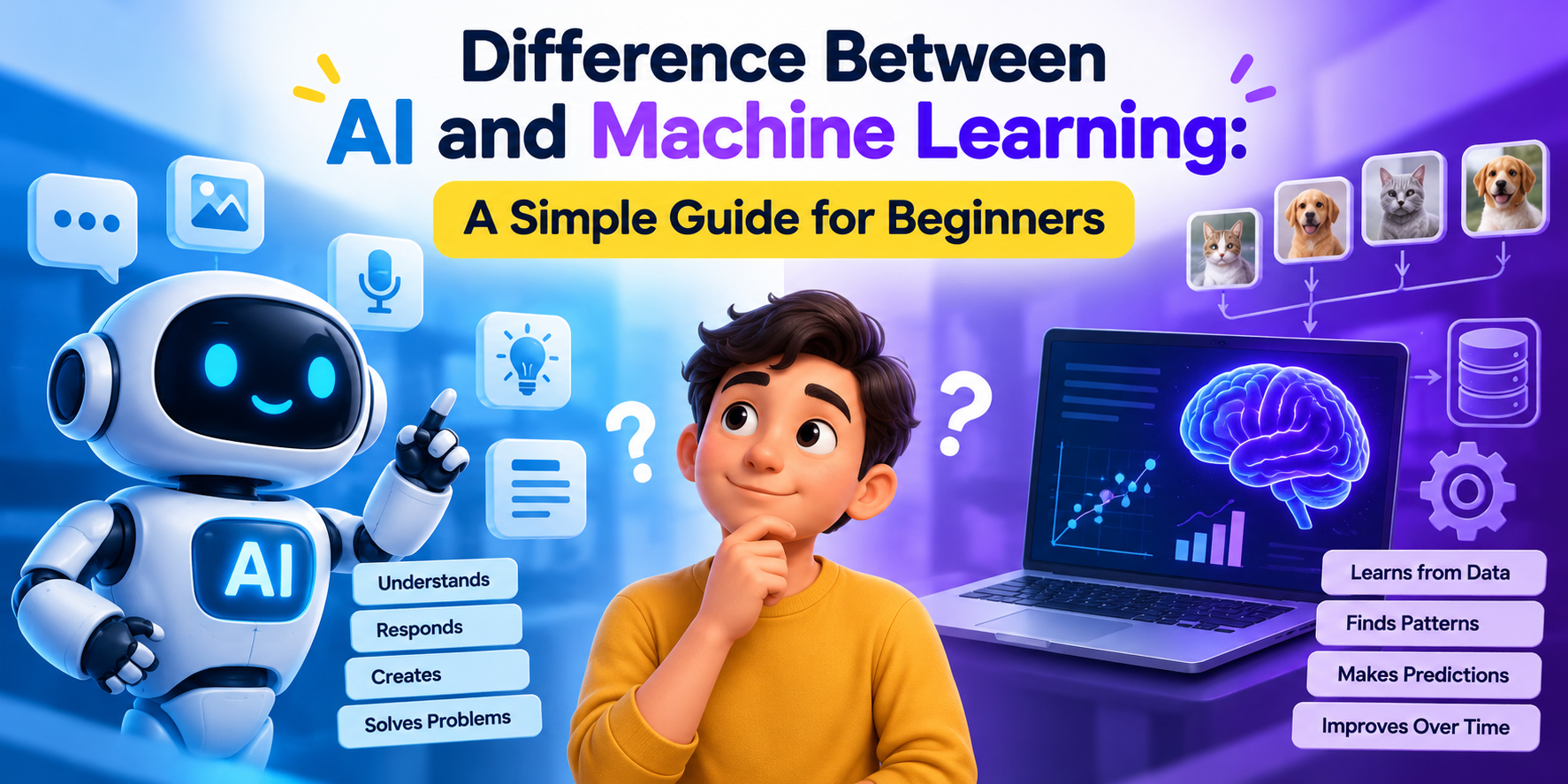
Difference Between AI and Machine Learning: A Simple Guide for Beginners
Understand the difference between AI and Machine Learning with simple examples. Explore how AI, ML and Generative AI are changing creative industries.
Read Article
Reliance Animation Academy Ludhiana provides professional training in Animation, VFX, Graphic Designing, Video Editing, and Web Development with industry-level practical learning.
Mon-Fri from 9am to 6pm
We typically reply within 24 hours


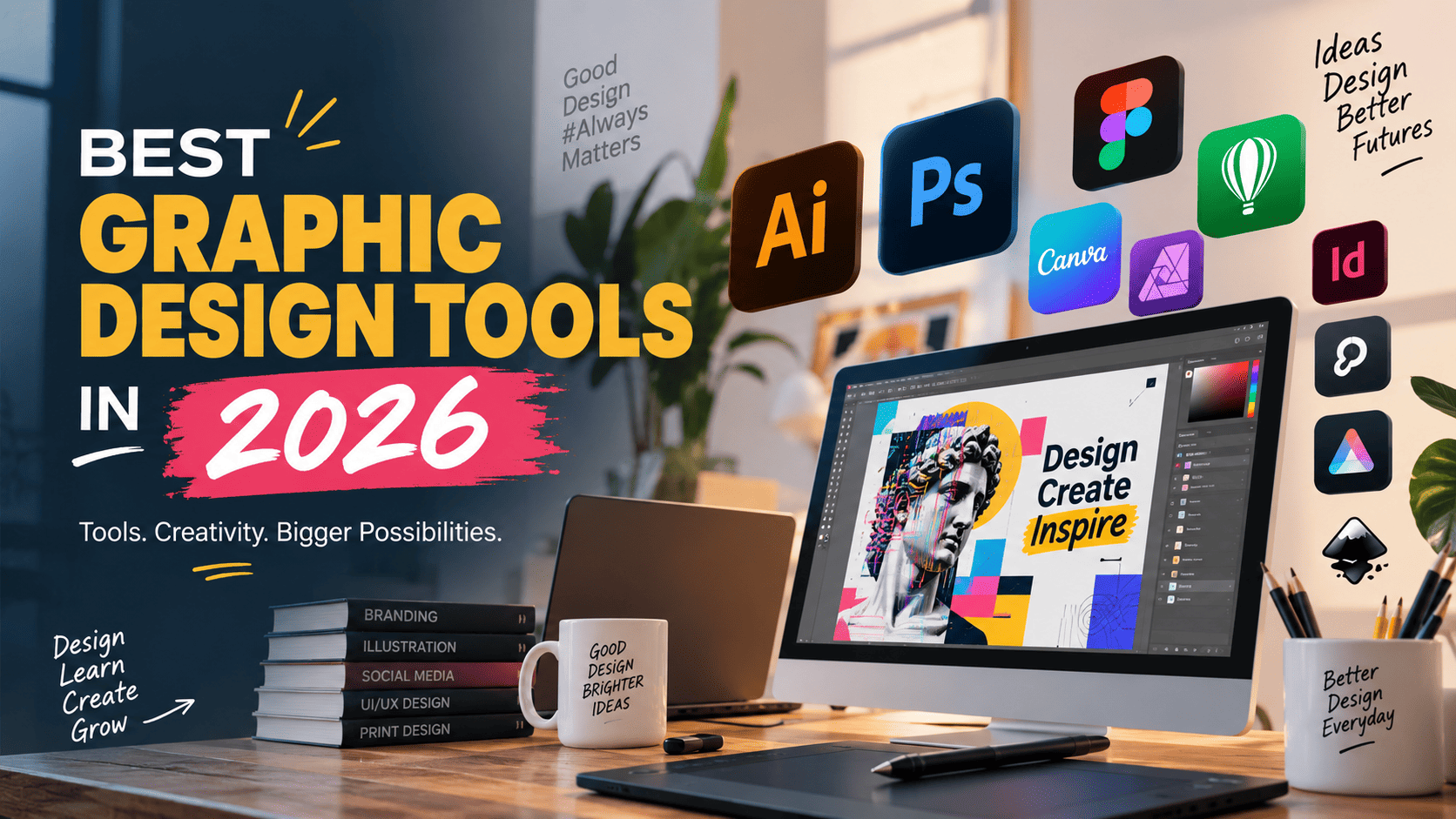
Graphic designing has emerged as one of the most highly-demanded skill sets in today’s digital era. Whether it is branding or advertising, social media design or even user interface/user experience design, the need for a graphic designer is increasing by leaps and bounds. However, what makes these designs so impressive is the software used.
If you’re thinking of entering into the world of graphic designing, animations or visual arts, then it is as important to know which software to use. This blog post will guide you through the top 10 Graphic & Vector Design Software for any aspiring or experienced designer.
Illustrator Adobe is definitely the king of vector designing programs. It is used by professionals all over the world and provides designers with an opportunity to create logos, icons, illustrations, and typography accurately. The possibility to scale any design without losing its quality makes it ideal for branding.
Best for: Logo design, vector illustrations, branding
Even though the software is mainly used for editing photos, it has equal capabilities when it comes to designing graphics. It is a useful software for developing social media posts, banners, graphics, and photo manipulation because it works through layering.
Best for: Photo editing, digital art, social media graphics
CorelDRAW is a favorite amongst vector graphics designers as it provides effective means for designing logos, brochures, and other print media. CorelDRAW is used extensively in the printing and packaging industries because of its accuracy and user-friendliness.
Best for: Print design, packaging, technical illustrations
Whereas it comes to designing pages for magazines, brochures, books and catalogues, there is no need to doubt the usage of InDesign. This program features an interlinked system with other Adobe products.
Best for: Publication design, layouts, multi-page documents
Canva has been at the forefront of making design more accessible to everyone. Thanks to its easy-to-use drag-and-drop interface and thousands of designs, one can easily make graphics.
Best for: Quick designs, social media content, beginners
Figma has been making ripples in the field of user interface/user experience design. Figma is an online collaborative software and is useful in the design of websites and applications. Besides, its vector graphics editor is superb for interface design.
Best for: UI/UX design, prototyping, team collaboration
Affinity Designer is an economical alternative to Adobe Illustrator as it offers extensive tools for vector and raster graphics designing without requiring any subscription charges.
Best for: Vector and raster design, budget-friendly professional work
Inkscape is an excellent choice for anyone seeking an open source vector editor. Though it may not have the same advanced functions as some other software, it can be used to create logos, icons, and even illustrations.
Best for: Free vector design, beginners exploring the field
Even though it is mainly a motion graphics and animation software, After Effects is critical when it comes to designers who wish to venture into video graphics, animated logos, and visual effects.
Best for: Motion graphics, animated visuals, video effects
One of the best options available for digital illustration, Procreate (exclusive to iPad) is one of the most popular software for digital illustration, character designing, and drawings using hand-drawn effects.
Best for: Digital illustration, character design, artistic projects
If you’re a beginner, we suggest learning from Illustrator and Photoshop first because they are the basic programs for graphic design work. After getting familiar with them, you can experiment with other software for UI/UX such as Figma or animation with After Effects.
However, using the software is not only about pushing buttons—it’s also about knowing design concepts and rules of color theory and typography. Here is where training plays its part.
What is the most appropriate software for graphic designing?
The appropriate software should be chosen depending on the kind of graphic that needs to be designed. Adobe Illustrator is mostly used in vector graphic designing while Photoshop is mostly used in image editing.
Which software will be good to learn vector designing?
Adobe Illustrator, CorelDRAW, Inkscape and Affinity Designer can help in vector-based designing.
Can beginners learn graphic design software?
Yes. Beginners can learn graphic design software through practice using real projects from scratch with knowledge of design basics.
What are some places to learn graphic designing in Ludhiana?
Those who wish to learn graphic designing in Ludhiana can try Reliance Animation Academy Ludhiana where they can learn by making designs.
Understand the difference between AI and Machine Learning with simple examples. Explore how AI, ML and Generative AI are changing creative industries.
Read Article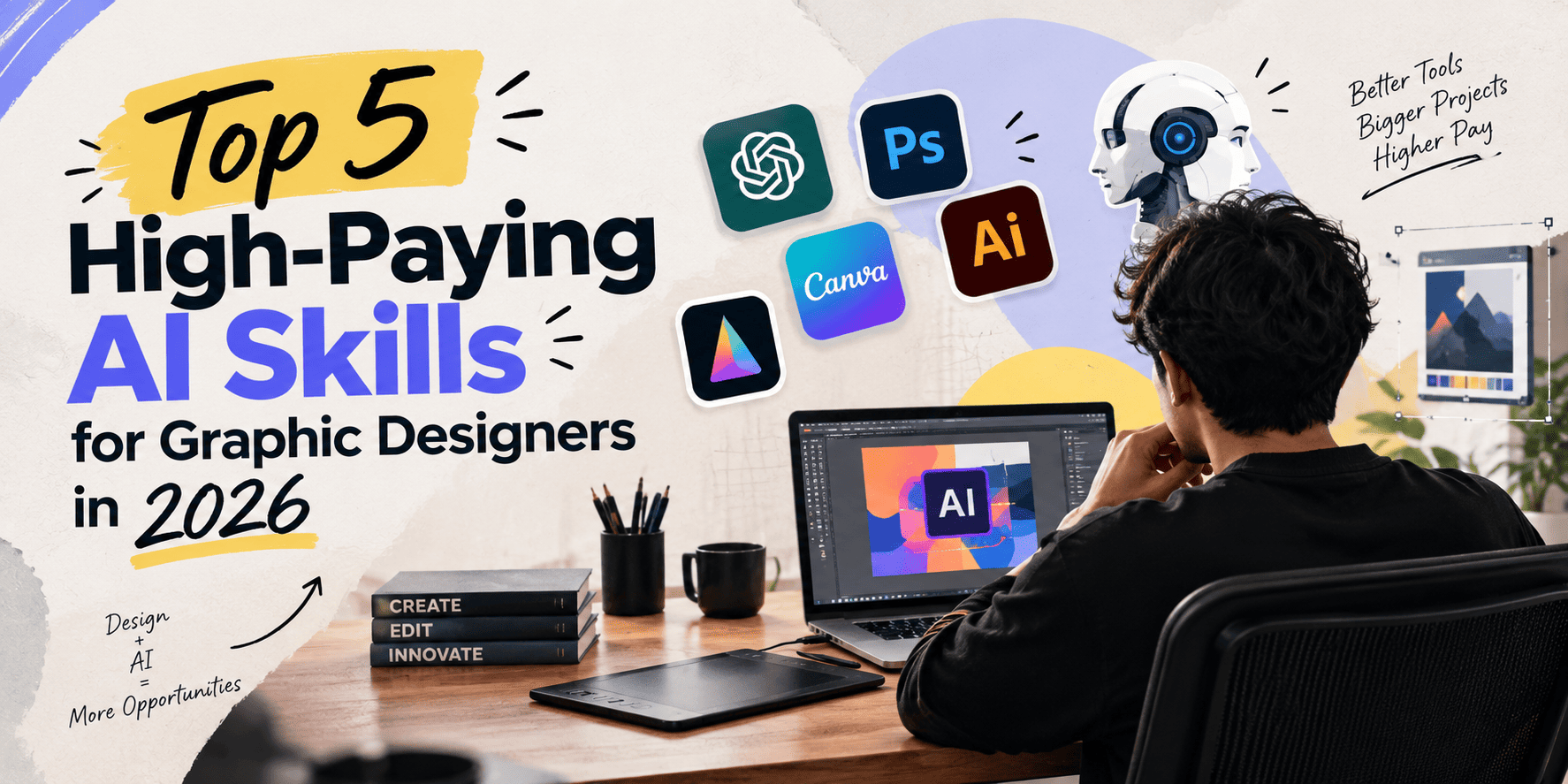
Discover 5 valuable AI skills for graphic designers in 2026, from prompt engineering to AI video creation, and explore a Generative AI course in Ludhiana.
Read Article
Learn how to choose the right digital marketing course in Ludhiana. Compare syllabus, practical training, fees, tools and career opportunities.
Read Article
Explore Generative AI, its applications, essential skills and career options. Learn how to choose a Generative AI course in Ludhiana.
Read Article
Learn what storyboarding in animation is, why it matters, and how storyboards help plan scenes, characters, and camera angles.
Read Article
Animation courses for beginners are a great way to learn the fundamentals of both 2D and 3D animation. Students can learn animation principles, character design, storyboarding, modelling, lighting, rendering and industry-relevant software. With regular practice and practical projects, beginners can build a portfolio and explore careers in animation, VFX, gaming, motion graphics and multimedia.
Read Article